
 Embed Editor
 Workspace
 Collaborative Dev Workspace
 Online Compilers
 Integration Tester
 JS SDK Docs
 WebSocket Engine
 AI Sandbox & MCP
 Bypass AI Humanizer
 WordPress Bypass Plugin
 Chrome Bypass Extension
 Collaborative IDE Docs
 Interactive Demos
 Pricing & Credits Guide

Embedenv AI Bypass Chrome Extension
Bypass AI detectors and rewrite AI content directly on Google Docs, WordPress, Gmail, or any other web page. Just select text, right-click, and humanize it instantly.
Download Extension (.zip)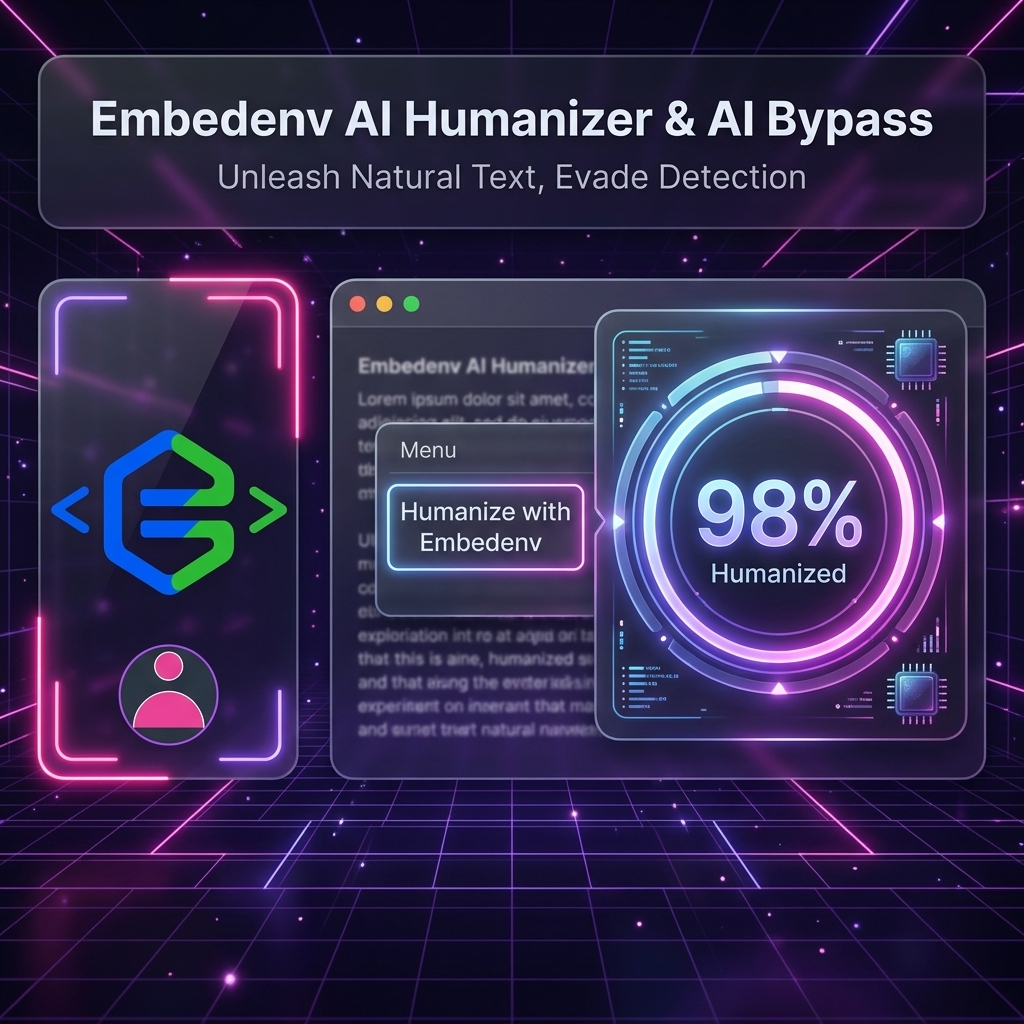
Right-Click Context Menu
Highlight text on any webpage, right-click, and select "Humanize with Embedenv". The text will be rewritten and replaced inline instantly.
Interactive Inline Overlay
Watch the process in real-time. An elegant loading widget appears near your cursor and displays the final bypass score before replacing your text.
Popup Playground
Need to test a quick snippet? Click the extension icon in your browser toolbar to open a premium popup sandbox for quick bypass tasks.
Secure Storage
Your Embedenv B2B API Key is saved securely in your browser's local sync storage, keeping your credentials safe and accessible only to you.
Installation & Setup Guide
Download the Extension ZIP
Click the download button above to retrieve the packaged embedenv-ai-humanizer-chrome-extension.zip file onto your system.
Extract the Folder
Extract the contents of the ZIP archive onto a folder on your computer (e.g. inside a directory like Documents/Embedenv-Extension).
Open Chrome Extensions page
Open Google Chrome, navigate to chrome://extensions/ in the URL address bar, and switch on the Developer mode toggle located at the top-right corner.
Load Unpacked Extension
Click the Load unpacked button on the top-left and select the extracted folder (the directory containing the manifest.json file).
Add API Key & Start Humanizing
Pin the extension to your toolbar, click it to open the popup, go to the Settings tab, and paste your Embedenv API Key. You are now ready to right-click and humanize text on any website!